How to Download & Install PAK Arcade APK on Android
A complete step-by-step guide to installing the PAK Arcade Android APK on any Pakistani Android device — takes less than 2 minutes.
Step-by-Step Installation Guide
Follow these steps to install PAK Arcade APK safely on your Android phone.
Tap the Download APK Button
Tap the blue 'Download APK' button on any page of this website. Your Android browser will start downloading the PAK Arcade APK file (approximately 46.6 MB) directly to your phone's Downloads folder.
Allow Installation from Unknown Sources
Since PAK Arcade is not on the Google Play Store, you need to allow your phone to install APK files. On Android 8.0+, you will be prompted automatically — simply tap 'Allow'. On older devices, go to Settings > Security > Unknown Sources and toggle it on.
Open the Downloaded APK File
Open your phone's Downloads folder or tap the download notification in your notification bar. Locate the PAK Arcade APK file and tap it to begin the installation process.
Install the App
The Android installer will launch. Review the permissions (internet access and basic storage only) and tap Install. The installation completes in a few seconds.
Register and Claim Your Bonus
Open PAK Arcade and tap Register. Enter your phone number and create a password. When prompted for a promo code, enter PAKArcade-FP to claim your Free Spin. Your 1,000 PKR Welcome Bonus is credited automatically after registration.
Bind Your Account and Start Earning
After registration, bind your phone number in the account settings. This step is required to access all 300+ games for free and start earning daily rewards immediately.
Your Welcome Bonus & Rewards Are Ready
Once you register and bind your phone number, PAK Arcade instantly unlocks your Welcome Bonus, Gift Mail rewards, and registration form — all shown below.
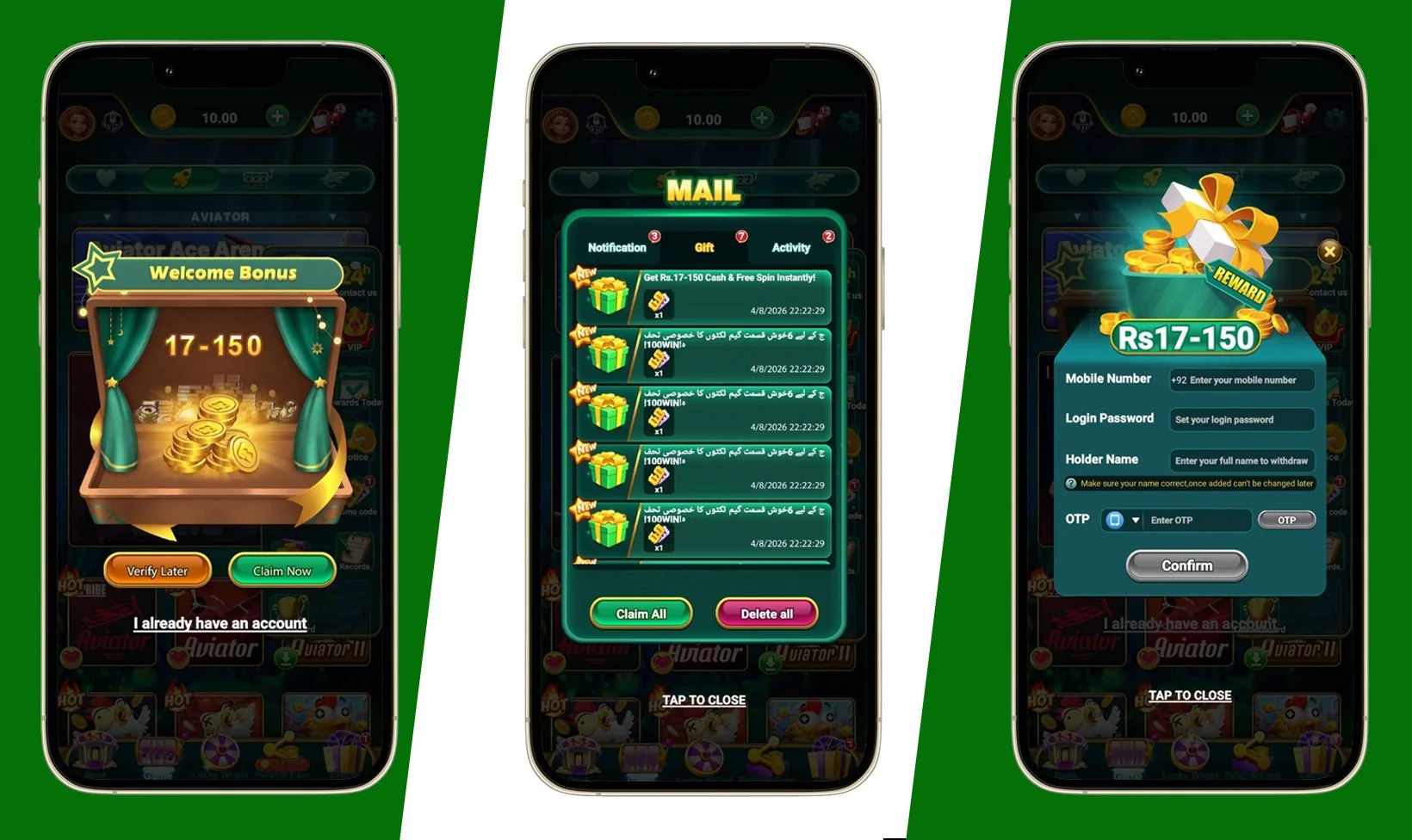
Welcome Bonus
Rs17–150 credited instantly
Gift Mail
Claim rewards from your inbox
OTP Registration
Verify & bind in seconds
Ready to Install?
Follow the steps above and you'll be earning on PAK Arcade in under 2 minutes.
Download APK — Free